
Eye health tips for computer users and remote workers

If your work is significantly computer based and/or you are a remote worker spending all of your day on a computer, it is important to take into consideration some essential eye health tips to protect your vision.
Why are eye health tips important?
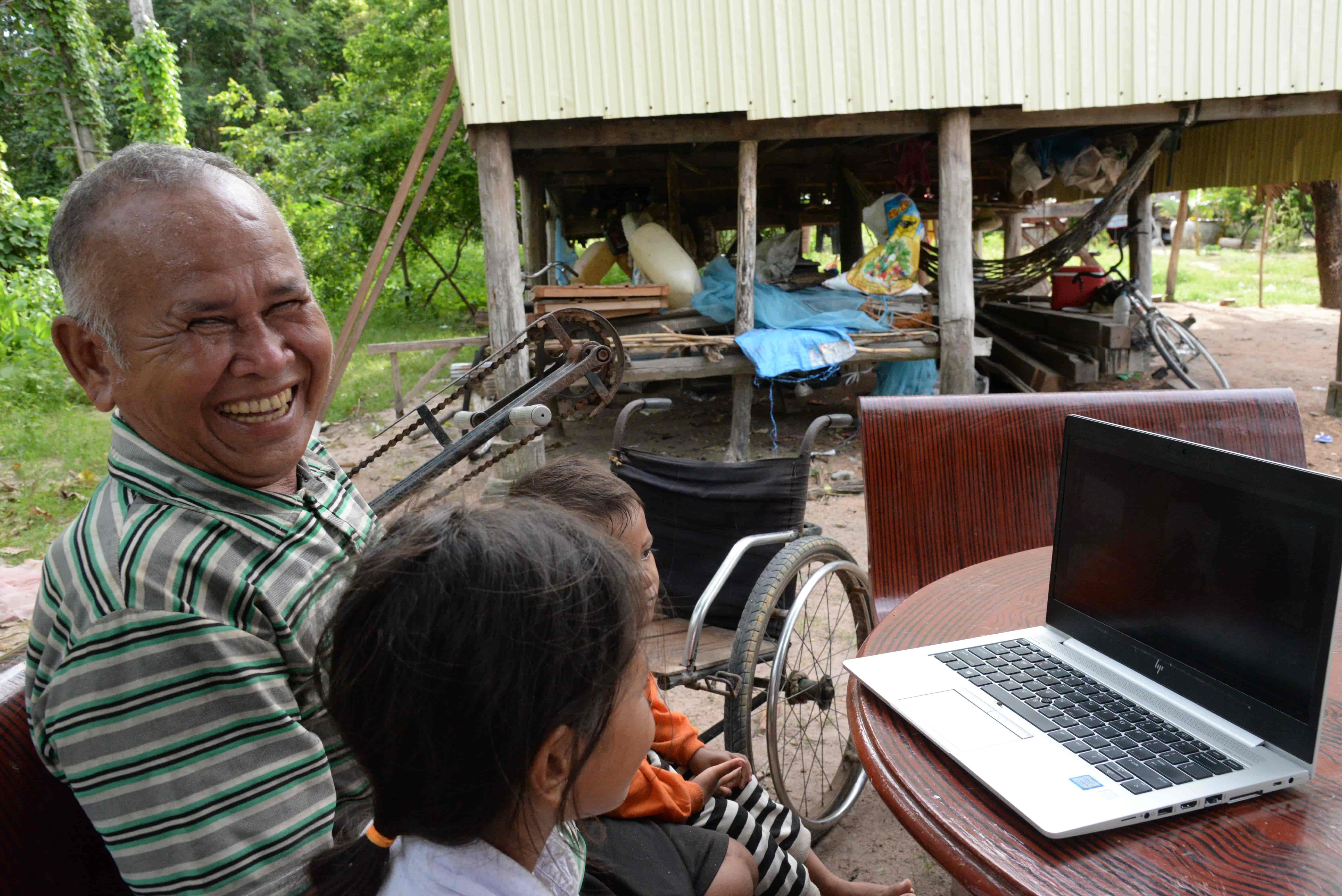 Ngin survived war, lost his legs and his sight, and became dependent on his wife Phork. After surgery restored his vision, he can see his grandchildren, manage his coconut and mango trees, and even check his work on a laptop. Now he encourages others in his community to seek help for blurry vision.
Photo credit: The Fred Hollows Foundation
Computer users and remote workers are exposed to digital screens for long periods of time, often with limited if any interruption.
This can induce a variety of complications including:
- Eye strain
- Dryness
- Headaches
- Long-term vision degradation
Unlike the use of screens for recreational use, workers are less able to consciously reduce their exposure to screens. That’s why eye health tips of the kind we are including in this article, from regular breaks and routine checks to smart workstation setups are critical.
At The Fred Hollows Foundation, we’re dedicated to ending avoidable blindness in over 25 countries. If your own eye health habits have inspired you to make a difference, consider donating to The Foundation today.
What are the top eye health tips for computer users?
There are a few eye health tips that will help you take care of your eyes and vision.
- Awareness
- Screen breaks
- 20-20-20 rule
- Blinking
- Monitor placement
- Lighting and glare avoidance
- Eye examinations
1. Awareness
The first tip is perhaps the simplest of all: Increase your level of awareness.
Digital screen exposure can cause eye strain, dryness, and/or headaches, especially after long hours of continuous working.
Being aware and on the lookout for such symptoms will help you maintain good eye health habits.
2. Screen breaks
Giving your eyes a break from focusing on the screen is as important as it is difficult.
Long hours, demanding work tasks and the general slippage of time when you’re consumed by the job in front of you can lead to forgetting to take regular screen breaks. Whether you need to set a reminder on your phone, computer or watch, or just get into the habit of refilling a cup of water, make sure to actively seek opportunities to take a break from the screen.
3. 20-20-20 rule
The 202020 rule is a very helpful little eye health tip that is easy to remember and simple to implement: Every 20 minutes, stop and look at something 20 feet away for about 20 seconds.
4. Blinking
One of the lesser known impacts of digital screen use is that users do not blink enough when concentrating and staring at the screen.
Blinking is essential for maintaining your eye health and if you are suffering from eye strain, headaches, or similar symptoms it is worth actively reminding yourself to blink more. The more you develop the habit over time the less you will have to consciously think about it in the future.
5. Monitor placement
Where you place your monitor is very important.
As a general rule, we recommend sitting about an arm’s length from your screen, with the top of the screen slightly below eye level.
6. Avoid bad lighting and glare
Make sure you are not working in harsh lighting that can make it difficult to see the screen.
Glares from bright windows and overhead lights can also impact your ability to see the screen and cause issues.
Your screen itself should be set up with the right brightness and contrast setting so you don’t need to strain your eyes to read the text.
7. Eye examinations
Schedule regular eye examinations with a professional to ensure that your overall eye health is okay and that your prescription, if you have one, is up to date.
How can you quickly relieve eye strain during my workday?
 Photo credit: The Fred Hollows Foundation
So, what do you do if you do have eye strain?
If you are feeling like your eyes are straining and you have ensured that there is no harsh lighting, glare or dirty screens making it difficult to perceive what you are looking at follow these steps:
- Step away from your screen
- Look into the distance
- Blink slowly several times
- Gently close your eyes for about 10 to 15 seconds
- Slowly open your eyes and continue to gently blink to remoisten the surface of your eyes
Even doing this for a short period of time can help your eyes refocus the surrounding muscles and feel refreshed.
If you struggle to maintain this habit and need a hand with your micro-breaks, consider setting a timer or using an app that actively reminds you about the 20-20-20 rule.
How should you set up my home office to protect your eyes?
The best eye health tips are to help prevent strain and issues, rather than to deal with the symptoms after the fact.
Setting up your home office or work environment should allow your eyes to not have to work harder than they need to see the screen you are working on. Similarly, good ergonomics can reduce neck and back discomfort which can cause you to develop bad habits that impact your eyes.
How should you best set up your desk?
- Make sure your monitor is some 50 to 65 cm from your eyes or approximately the length of your arm away.
- Ensure the top of the monitor is at or slightly below the level of your eyes
- Make sure the screen is tilted slightly back and that the centre of it is below your straight-ahead gaze
- Close blinds of curtains to control the amount of bright light and reflections onto the screen
- Use a shaded desk lamp when working at your desk so that the light does not shine directly into your eyes
- Customise your display settings so that the brightness is moderate, the font sizes large enough and contrast level is comfortable
How often should computer users and remote workers get an eye exam?
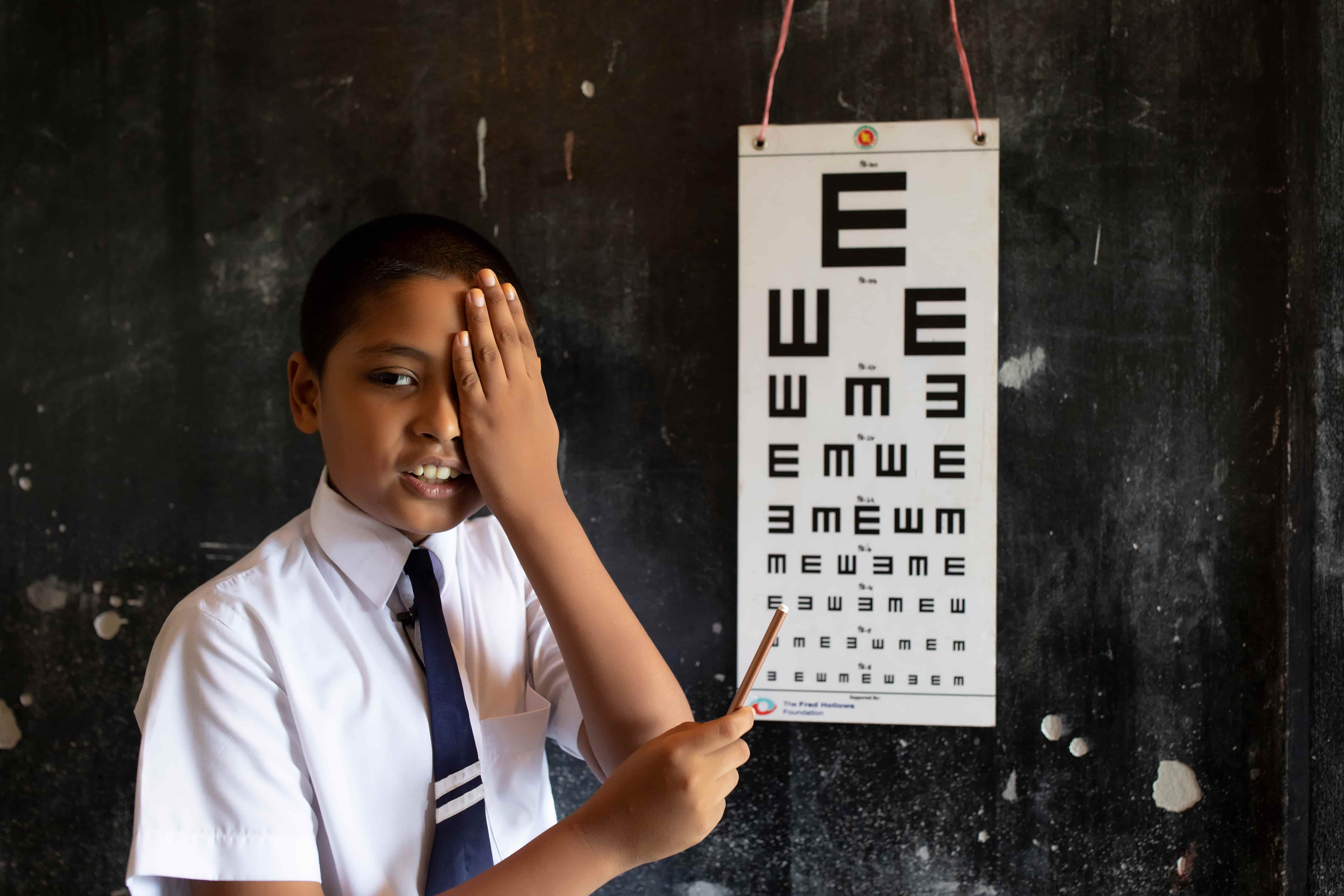 Photo credit: KM Asad
For adults, it is generally recommended that you should have an eye examination with a professional once every year or two. Your eye care specialist will recommend a different cadence if they deem it necessary.
Keeping up with your regular checks can be critical in detecting any changes in your vision, identifying early signs of eye disease and reducing negative impact on your eyes.
Some individuals may need more frequent eye exams and we recommend seeking professional advice if you fall into one of the following categories: You have…
- Glasses or contact lenses
- Diabetes
- High blood pressure
- Family history of eye disease
- Frequent headaches
- Blurred vision
- Eye discomfort
- A job that requires long hours of computer use or detailed visual work
Eye Health Tips: Frequently Asked Questions
Does blue light impact computer users and remote workers?
In general, simple habits and professional advice are usually more effective than gadgets like blue light filter glasses.
But blue light can disrupt sleep if you are exposed to it during the night, so opting for more or warmer screen settings in the evening is a good idea.
Which eye health tip is good to start with?
We think the 20-20-20 rule, every 20 minutes, look 20 feet away for 20 seconds, is an easy, practical and good way to relax your eyes and develop good habits.
Are eye health tips enough, or do I also need professional advice?
Healthy screen habits will do everyone some good but if you have headaches, blurred vision, or eye pain, it is important you seek a professional eye exam.
Can eye drops help with computer-related dry eye?
Yes, lubricating drops can be effective for some people, but it is best to seek advice from an eye care professional to know which type is right for you.
Eye drops are not a substitute for good eye health habits.
How can you contribute to the Fred Hollows Foundation mission?
Every day, around the world, people are losing their eyesight due to preventable and treatable causes.
By supporting organisations like The Fred Hollows Foundation, you can help restore sight for millions of others.
Meet the author

Dr May Ho
Dr May Ho is the Optometry and Primary Care Adviser at The Fred Hollows Foundation. She is an Australian registered optometrist with over 30 years of public health and international eye health experience. She has worked extensively in the development and implementation of sustainable eye care and education programs in various countries in the Asia Pacific and Africa regions as well as in Haiti and Moldova. She was involved in the development and delivery of refraction, low vision, primary eye care and training of trainers’ courses for various cadres of health workers including mid-level ophthalmic personnel, optometrists, and ophthalmologists. Her biggest achievement is the introduction of the profession of optometry into Vietnam.
Read more about eye health

5 FAQs about eye health you may not know the answer to


5 signs of cataract to look out for

What is 20/20 Vision?